Cross-posting on social media: how to post to multiple platforms at once
How to publish one post to Instagram, Facebook, LinkedIn, X, TikTok and more at the same time — without it looking copy-pasted on every network.
By The Postreo team
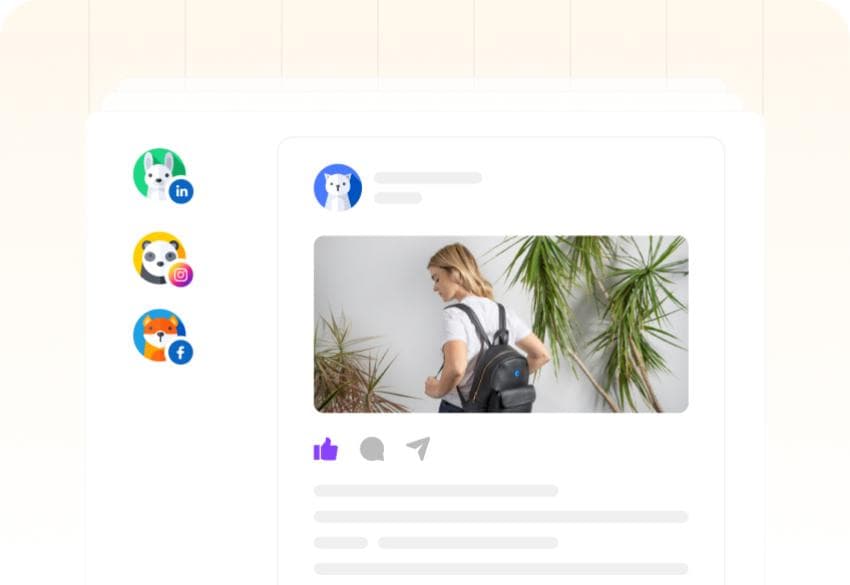
Cross-posting means publishing the same piece of content to more than one social network. Done well, it multiplies the reach of every idea you have for very little extra work. Done badly — the same caption, the same crop, the same hashtags pasted everywhere — it signals to every audience that they're an afterthought.
The goal is to share one idea everywhere while making each version feel native to the network it lands on.
Why cross-post at all?
- Your audience is spread out. Few people follow a brand on every network, so a post on one reaches people who'd never see it on another.
- Good ideas are rare. When something resonates, it deserves to reach as many people as possible.
- Consistency gets easier. One idea a day across five networks is far more sustainable than five separate ideas.
Why copy-paste cross-posting fails
Each network has different limits, formats and norms. A LinkedIn post with a 1,200-character story gets cut off on X. Instagram hashtags look out of place on LinkedIn. A “link in bio” line makes no sense on Facebook, where links work. An image cropped for a landscape feed loses its subject in a vertical one. Audiences notice, and the post underperforms everywhere.
How to cross-post the right way
1. Start with one core message
Write the idea in a single sentence before writing any captions. Every network's version is an expansion or a compression of that sentence, which keeps them consistent without making them identical.
2. Adjust the length to each network
Keep X, Threads and Bluesky tight — one or two sentences. Give LinkedIn and Facebook the context and the story. Put the hook in the first line on Instagram, where the caption is truncated early.
3. Adjust the tone
LinkedIn readers expect a professional point of view. X and Threads reward something sharper and more conversational. TikTok and Instagram captions support the visual rather than explaining it.
4. Fit the media to the format
Check how the image or video is cropped on each network. Vertical video belongs on TikTok, Reels and Shorts; a square or 4:5 image works well in the Instagram feed; landscape images suit LinkedIn, X and Facebook. Where it matters, use a different image per network.
5. Fix the network-specific details
- Hashtags: several specific ones on Instagram and TikTok, a few on LinkedIn, one or two on X, none on Facebook unless they're doing a job.
- Mentions: @handles are different on every network, so tag people separately in each version.
- Links: clickable in the post on LinkedIn, X and Facebook; not in Instagram captions.
- Calls to action: “comment below”, “link in bio” and “swipe” each only make sense on some networks.
6. Stagger the timing if it helps
Publishing everywhere at the same minute is fine, but each network's audience is most active at different times. Scheduling each version for its own best time can improve reach — and spreads out the replies you'll need to answer.
Ways to post to multiple platforms at once
There are three common approaches. Built-in links between networks, such as sharing an Instagram post to Facebook, are free but copy the post exactly and only connect a few networks. Posting manually to each network gives you full control but costs the most time. A social media scheduler gives you both: one post, one set of media, with a separately editable version for each network, published to all of them from one place.
Cross-posting with Postreo
Postreo publishes to more than 30 networks, including Instagram, Facebook, LinkedIn, X, TikTok, YouTube, Pinterest, Threads, Bluesky, Mastodon, Reddit and Google Business Profile. One post holds a separate version for each network, each with its own character limit checked as you type, and you can swap the image for a single network without touching the rest. Previews show how each version will look before it goes out, and the AI assistant can rewrite a version to suit its network in one click.
Frequently asked questions
Is cross-posting bad for engagement?
Identical, copy-pasted posts tend to underperform because they don't fit the network. Cross-posting the same idea, adapted to each network's format and tone, generally works well.
Should I post the same video to TikTok, Reels and Shorts?
Many creators do, and it's an efficient way to reach three audiences with one video. Upload the original file rather than a download with another network's watermark, and write a caption for each.